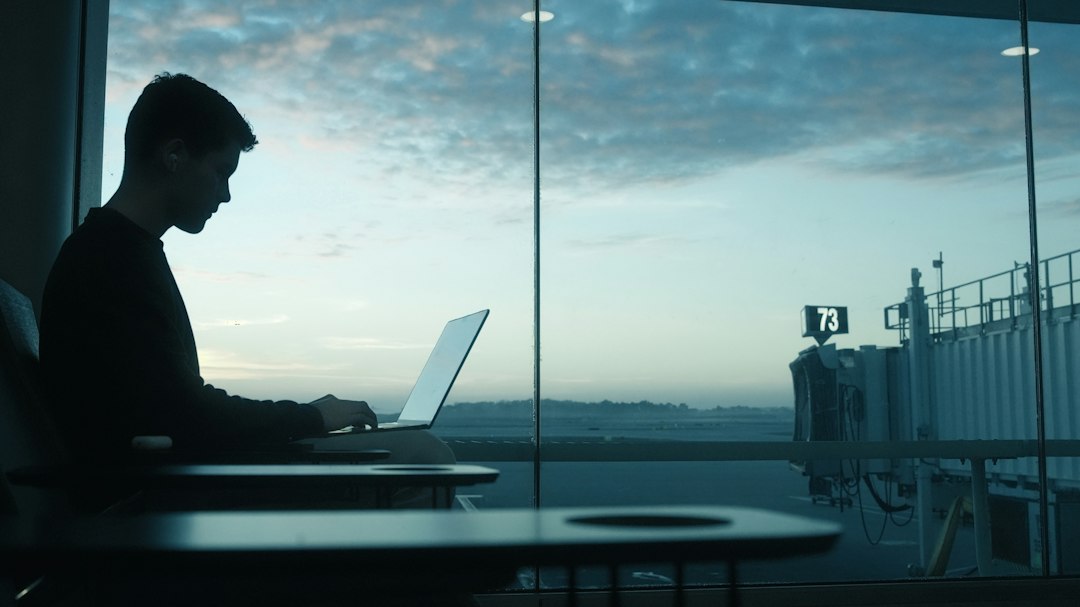
Last Christmas I learned exactly how far my sister’s Wi-Fi reaches. The answer is the kitchen. Not the guest room, not the back porch, and not the corner of the basement where I’d set up a laptop on a folding card table because it was the only quiet spot in a house holding eleven people and one very opinionated beagle. I spent the first morning of a “relaxing” week hotspotting off my phone, dropping out of a video call twice, and apologizing to a client while the beagle announced the mail carrier.
It still worked out. I stayed nine days instead of four and made every dinner. But I spent too much of that trip fighting my setup. This year my team and I planned the workation the way we plan any trip: calendar first, connection second, gear third, and family rules written down before anyone unpacks.
Plenty of people are doing the same thing. In a holiday outlook Hertz published October 29, nearly two-thirds (65%) of people traveling between December 20 and January 4 said they’re using vacation time, remote work or both to make their trips longer. Deloitte’s 2025 holiday survey found 44% of employed travelers planned to work at least part of their longest trip of the season. The laptop is coming to Grandma’s whether we like it or not, so it might as well have a decent desk.
The Short Answer: Stretching the Holidays Without Burning Your PTO
- Do the calendar math first. In 2026, Christmas and New Year’s Day both land on a Friday. Leave Saturday, December 19, come home Sunday, January 3, and you’re away 16 days on as few as three PTO days.
- Get a yes in writing. Ask your manager and, if needed, HR before you book, especially if you’re crossing state lines for long or leaving the country.
- Choose the base for the desk, not the bedrooms. Ask for a speed test screenshot and a door that closes.
- Carry two ways online. Plan on the house Wi-Fi failing and have a backup you’ve already tested.
- Travel on weekends. Drive or fly on Saturdays and Sundays so no workday is spent in a car or at a gate.
- Post office hours on the fridge. Family is far happier with a clear “back at 3” than a vague “just finishing something.”
Sixteen Days on Three Days Off: The 2026 Calendar
The calendar does a lot of the work this year. Thanksgiving is Thursday, November 26. Christmas Day is Friday, December 25, and New Year’s Day is Friday, January 1. If your company gives you both of those Fridays, as most U.S. employers do, there are eight working days between Monday, December 21, and the new year.
Here’s how I’m splitting them. I’ll work remotely on December 21 and 22, take PTO on December 23 and 24, and have Christmas off. The following week I’ll work December 28, 29 and 30, take December 31 off, and have New Year’s Day off. That’s five remote days and three PTO days, and with the weekends on either end I’m gone from Saturday, December 19, through Sunday, January 3. Sixteen days away for three days of leave. If your company also closes on Christmas Eve or New Year’s Eve, it’s even less.
Thanksgiving works the same way on a smaller scale. Leave Saturday, November 21, work Monday and Tuesday from the destination, take Wednesday off, and if your company gives you the Friday after Thanksgiving you’re away nine days on a single PTO day. Hertz expects Tuesday, November 24, and Wednesday, November 25, to be its busiest rental pickup days, so arriving the weekend before puts you there ahead of the crowd too.

The point isn’t to work the whole holiday. It’s to turn days you’d have spent in an empty office into ordinary workdays with better company at lunch and dinner.
Get the Yes Before You Book
This is the boring step, and it’s the one that can sink the whole plan. Plenty of companies are fine with a week from your parents’ house. Some aren’t, and the reasons usually aren’t personal. Working from another state for long stretches can raise payroll tax questions, and working from another country can create tax, legal and data-security problems for your employer. Some teams also require a company VPN or block logins from certain regions.
So I send a short note before I book anything: the dates I’ll be away, the city I’ll be working from, which days are remote and which are PTO, and the hours I’ll be online if I’m in a different time zone. I ask for the answer in writing. Most of the time it’s a one-line “sounds good.” If it’s a no, I find out in November, not on December 21 when my laptop won’t connect.
Time zones deserve their own line in that note. If you’re flying from the East Coast to somewhere like Phoenix in December, you’ll be two hours behind the office because Arizona doesn’t change its clocks. A 9 a.m. Eastern standup becomes a 7 a.m. call.
Pick the Base for the Desk, Not the Bedrooms
When the trip is only about family, you pick where to stay by bedrooms and location. On a workation, the deciding question is where you’ll sit from nine to five. A small rental with a real table and a door can beat a big house where the only quiet spot is next to the laundry.
If you’re booking a rental, message the host before you pay. I ask three things. Can you send a screenshot of a speed test from the room where the router sits? Is there a table or desk somewhere with a door that closes? Is the internet cable or fiber, or something slower? Zoom’s published numbers say a 1080p group video call needs about 3.8 Mbps up and 3.0 down. I look for at least 10 Mbps up, because the rest of the family will be streaming the game on the same connection.
Staying with family is harder, because you can’t ask your mother for a speed test screenshot without getting a phone call about it. So I run one myself on the first evening, in the spot I plan to work, and find out where the router is. While I’m at it, I check outlets, lighting and noise in that spot.

A remote cabin sounds romantic for a holiday workation, and it can be. Just remember that snow, pine forests and mountain ridges are exactly what kills cell signal. If the listing doesn’t mention internet, assume there isn’t any you can count on.
Two Ways Online, Every Time
My rule now is simple. I never rely on a single connection on a workday. The house Wi-Fi is plan A, and I always have a tested plan B before the first call.
Plan A gets better with a small travel router. I plug a GL.iNet Beryl AX Travel Router into the family router or connect it to the rental’s Wi-Fi, and all my devices join my own network with my own password. That way my laptop doesn’t care which house it’s in, and if the signal is weak in the guest room I can run a cable to wherever the router lives. Our tech desk did a thorough comparison of these little boxes in its hotel Wi-Fi router test, and it’s worth reading before you buy one. I also carry an Anker USB-C to Ethernet Adapter, because for an important call nothing beats plugging straight into the router, even if I end up sitting in a hallway to do it.
Plan B is my phone’s hotspot. Before the trip I check how much hotspot data my plan includes and what happens when I hit the limit, because many plans slow hotspot speeds to a crawl after a set amount. Then I run a test call over it from my own house. If the plan is thin, I’ll add a short-term data pass for the trip instead of finding out mid-meeting.
If you’re driving a van or RV to the holidays, there’s a third option. We put a Starlink Mini on our ProMaster, and having satellite internet on the roof changes what counts as a good place to park for a workday. You can watch the install, including the bracket changes we had to make, in our video Starlink Mini Low-Profile Installation on a Ram ProMaster.

The Desk That Fits in a Carry-On
The biggest difference between last year and this year is that I’m not working hunched over a laptop on a dining table. A laptop screen at table height is fine for an hour. By the third day your neck has opinions. A small kit fixes it, and all of it fits in the bag I already carry.
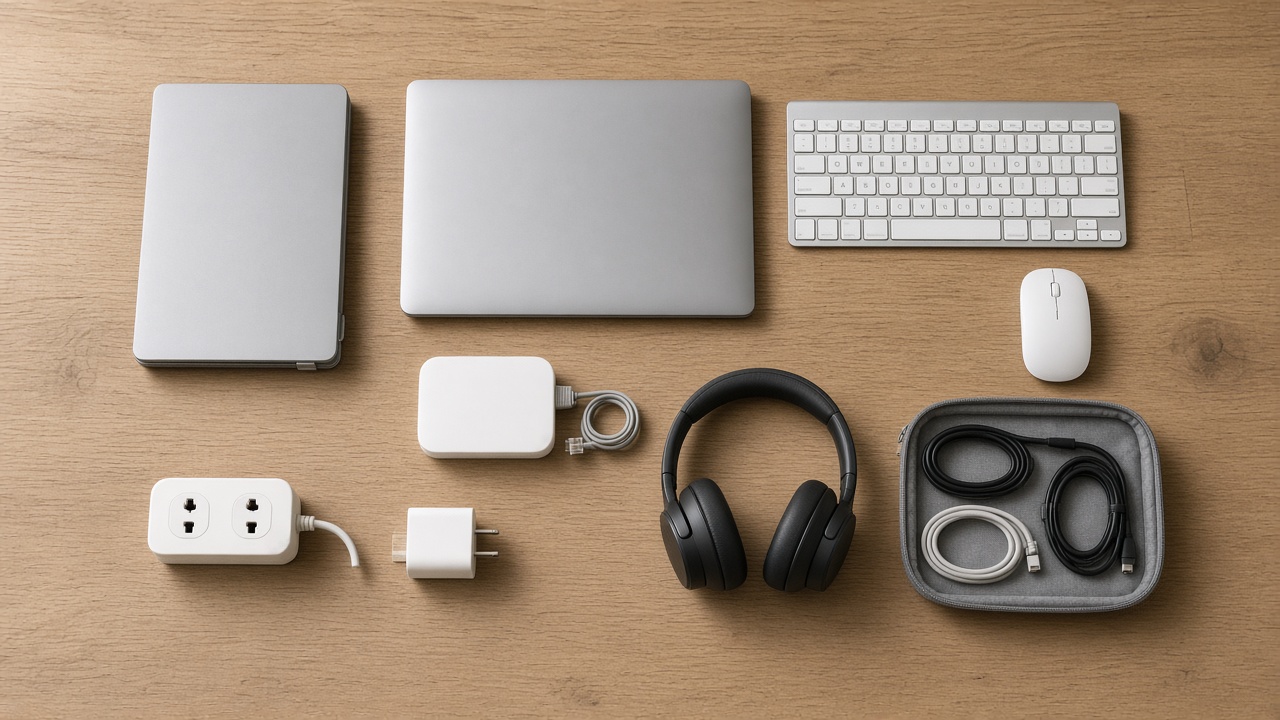
The base is a Nexstand Portable Laptop Stand, which folds into a slim stick and lifts the screen close to eye level. Once the laptop is up there, you need a separate keyboard and mouse. I use a Logitech Pebble Keys 2 K380s Keyboard because it’s thin, quiet and switches between my laptop and phone, plus a Logitech Pebble Mouse 2 M350s that clicks quietly enough not to bother anyone napping on the couch.

If your work involves spreadsheets, design or lots of windows, a second screen matters more than anything else in this list. An ARZOPA 15.6-Inch Portable Monitor slides into a laptop sleeve and runs off a single USB-C cable on laptops whose USB-C port supports video.
Power is the part people forget. Older houses and guest rooms seem to have one outlet, and it’s behind the bed. I carry an Anker Prime 100W GaN Charger that can charge the laptop, the phone and the monitor from one plug, and an Anker USB-C Travel Power Strip for the nights when the family’s phones are also fighting for that one outlet.
Everything small (cables, adapters, the Ethernet dongle, the mouse) goes into a BAGSMART Electronics Organizer. It means I can set up the whole office in four minutes and pack it away at quitting time so the dining table is a dining table again.
Calls, Noise and the Beagle Problem
Family homes at the holidays are loud in the best possible way, which is a problem at 10 a.m. on a Tuesday. Noise-canceling headphones are the one item I’d buy even if you skip everything else here. Mine are the Sony WH-1000XM5 Noise Canceling Headphones. They do a good job of turning a busy kitchen into a low hum, and the microphones are good enough that people on calls don’t hear the blender.

The other call problem is light. Guest rooms are lit for sleeping, so on camera you end up as a dark shape in front of a bright window. A small clip-on light like the Lume Cube Video Conference Lighting Kit fixes that in about ten seconds. Facing the window helps too, and it’s free.
For the beagle problem, and the toddler problem, and the uncle-who-wants-to-talk-about-his-new-truck problem, I use a door when I have one. When I don’t, I book calls for times when the house is predictably quiet. In most houses that’s early morning, before the cousins are awake, and mid-afternoon, when half the family is out walking off lunch.
Office Hours on the Fridge
This is the part that saved last year’s trip once I figured it out on day three. Families don’t really mind that you’re working. What wears on them is not knowing when you’re done. “I just have to finish something” at 4:45 p.m. sounds very different from a note on the fridge that says I’m working 8 to 3 on Monday, Tuesday and the following Monday through Wednesday, and I’m all yours otherwise.
So I write down my hours and put them where everyone can see them, along with the PTO days in a different color. I start early to finish early, because holiday afternoons are when everything good happens: the walk, the movie, the cookie assembly line. I also set a clear out-of-office for the PTO days, turn off work notifications on my phone, and stick to it. A workation only works if the off days are actually off.

One more thing that helps: if I’m in meetings until 3, I volunteer for dinner that night. It’s a small trade, and it keeps the laptop from feeling like a guest who never leaves the table.
Travel Days Belong to the Weekend
A long holiday trip only saves PTO if travel happens on days you weren’t going to work anyway. Hertz expects its busiest Christmas-season rental pickups on December 23, 24 and 26, and those are exactly the days I want to be settled in, not stuck in a rental line. Leaving on Saturday, December 19, puts me ahead of all of that.
If you’re driving, my hour-by-hour Thanksgiving driving plan applies just as well to a Saturday in December. If you’re flying, the fares on weekends just before Christmas aren’t cheap, so the advice in my holiday flight booking playbook still applies: book now and keep watching the fare.
Packing for sixteen days with a laptop and a small office sounds like a checked-bag trip. It doesn’t have to be. The desk kit above weighs a couple of pounds and fits in a personal item, and the clothes side is the same system I described in my one-bag plan for both holidays, with laundry at the halfway point. Keep the laptop and monitor where you can pull them out quickly at security, and keep the chargers in the carry-on, not the checked bag, in case your luggage takes a different route home.
What I’m Leaving Home This Year
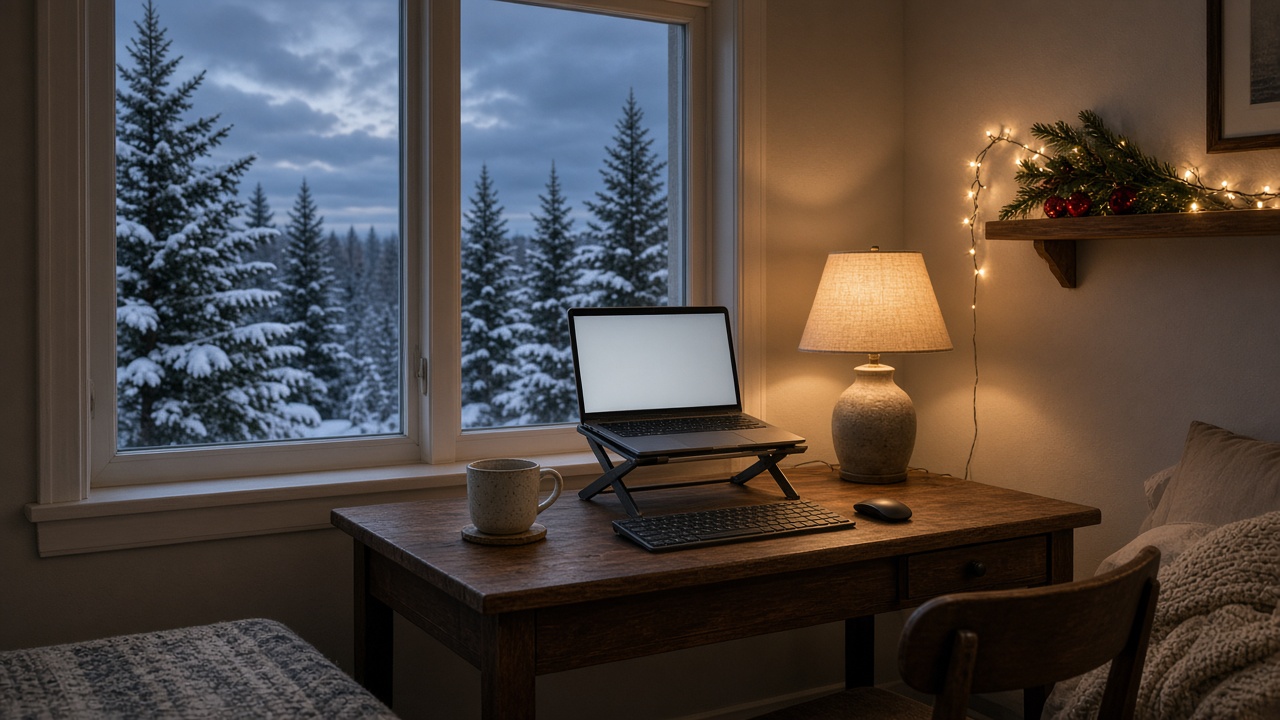
Not everything earns a spot. The second laptop charger stays home, because the one GaN charger handles everything. And the “I’ll catch up on email on Christmas Eve” plan stays home, because it has never happened, and pretending it will just makes me feel guilty on a day I took off.
What I’m bringing is a plan. Five workdays where I’m fully at work, with a real desk, a backup connection and a door when I can get one. Eleven days where I’m fully on vacation. And a fridge note that tells everyone which is which. That’s the trade that gets me sixteen days with my family for the price of three days off, and this year I intend to enjoy both halves of it.